How to upgrade to a team from the account page?
- If you have an account at Law Insider, you may subscribe to team access directly from your account page.
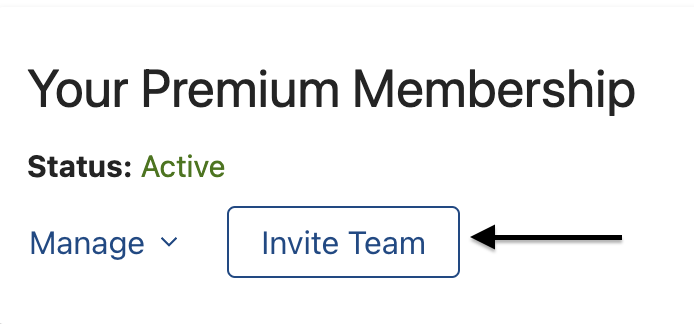
- Click on the button for UPGRADE TO TEAM.
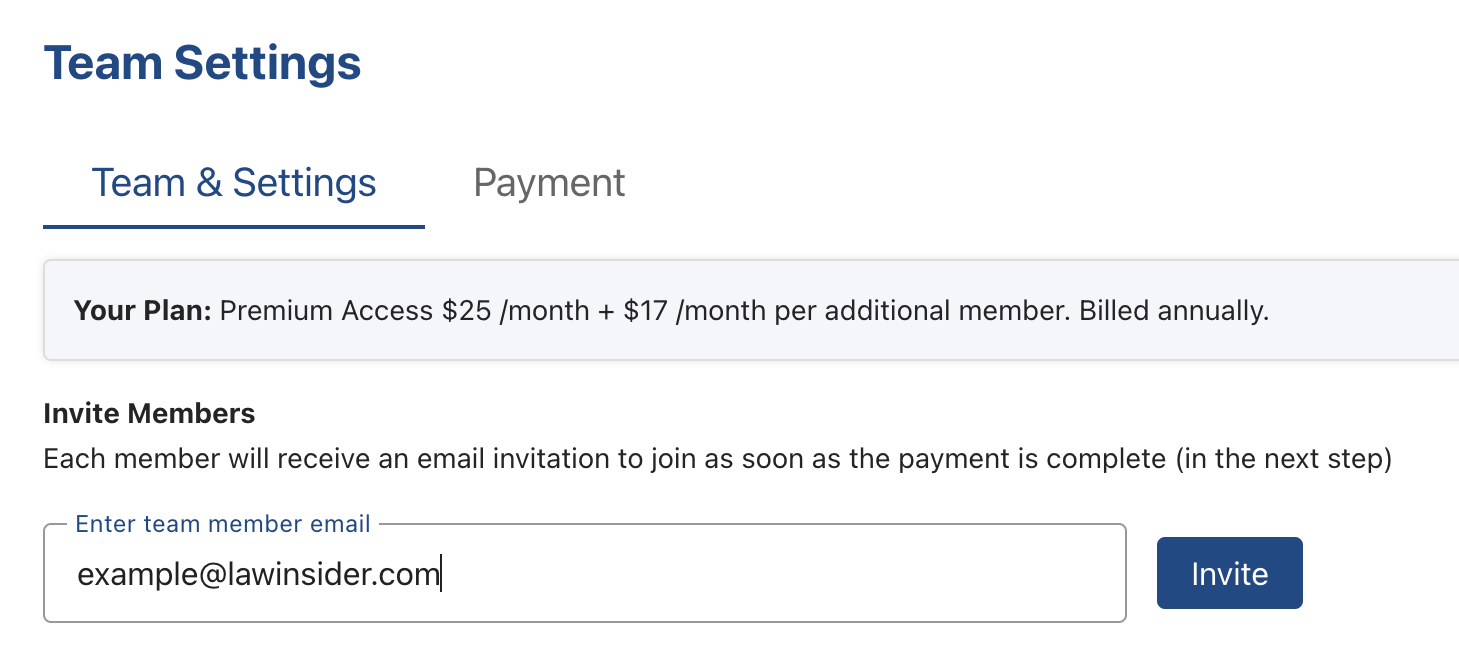
- Add team member email addresses.
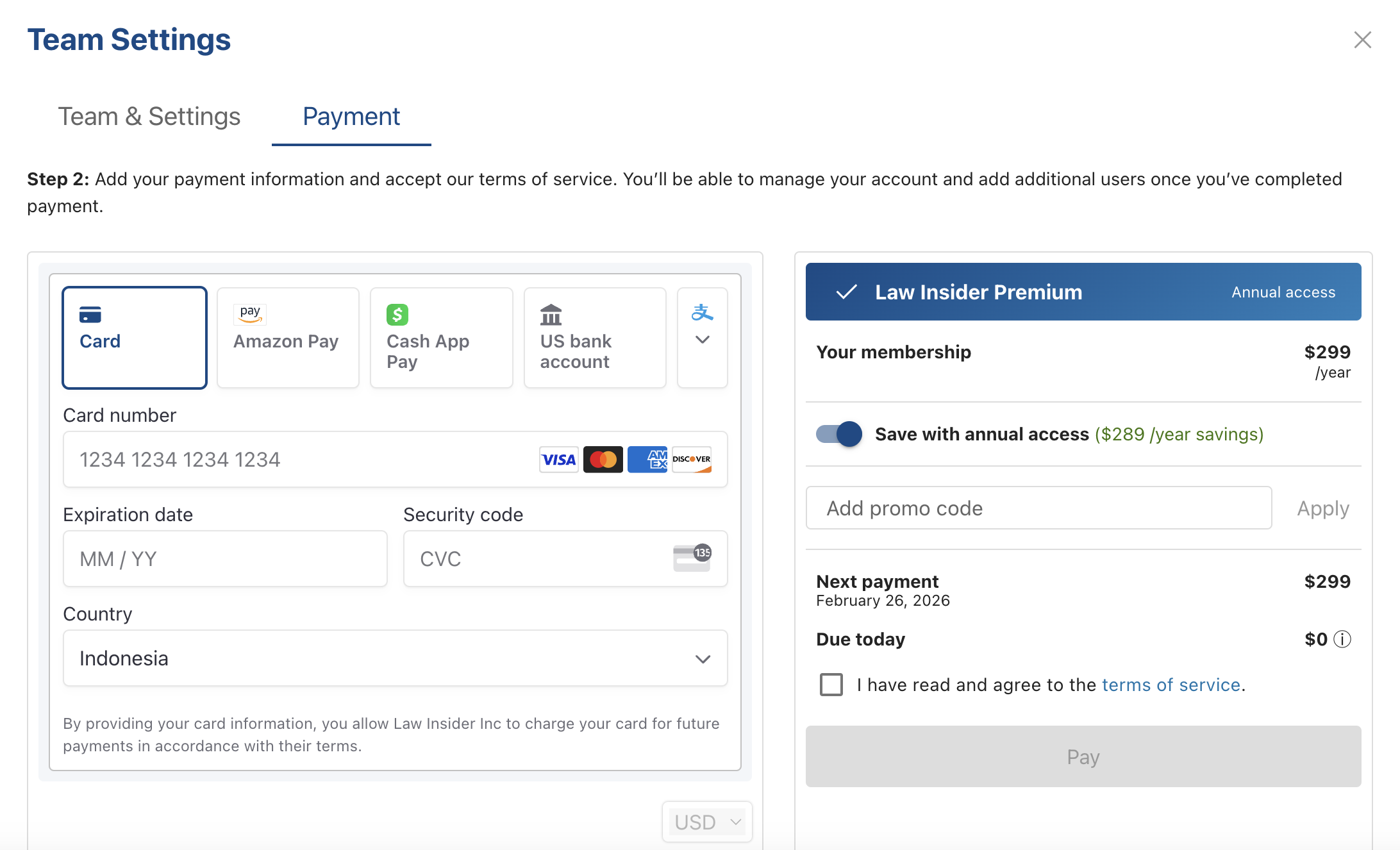
- Finally, you'll just need to enter your credit card information under the payment tab to authorize the team upgrade.
Did this answer your question?
Thanks for the feedback
There was a problem submitting your feedback. Please try again later.
No results found

